

Workspace Settings
Workspace Settings Include:
General
- Workspace name
- Domain
- Workspace type (Personal, Enterprise, Agency)
- Services / tags
- Delete workspace (danger zone)
Branding
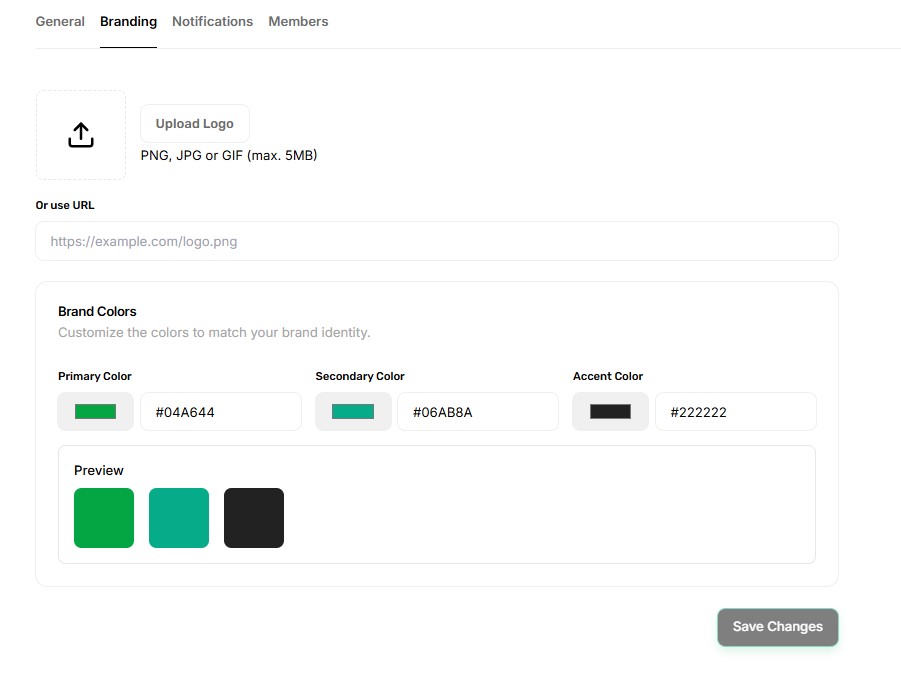
- Upload workspace logo
- Choose workspace colors (primary, secondary, accent)
- Live preview of the theme
Notifications
- Control how workspace members receive updates
- Enable or disable email notifications
- Turn on in-app notifications
Members
- View all workspace members
- Assign roles (Admin / Member)
- Add members
- Remove members
Danger Zone
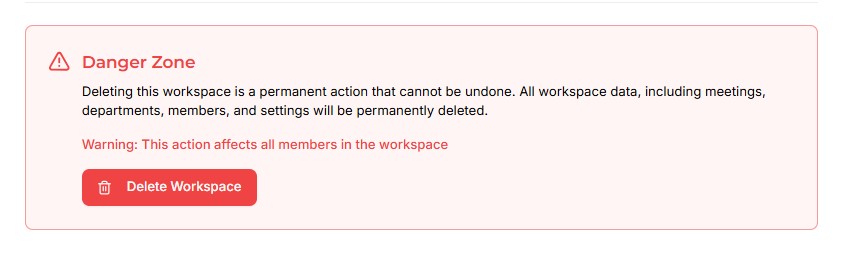
- Permanently delete the workspace
- Warning: deletes all meetings, departments, data, and members